获取 Fetch HTTP 响应的状态码
访问响应对象上的 status 属性以获取使用 fetch 方法发出的 HTTP 请求的状态代码。
response.status属性包含响应的 HTTP 状态代码,例如 200 表示成功响应或 500 表示服务器错误
async function makeRequest() {
    try {
        const response = await fetch("https://randomuser.me/api/")

        console.log("response.status: ", response.status) // 👉️ 200
        console.log(response)
    }
    catch (err) {
        console.log(err)
    }
}

makeRequest()
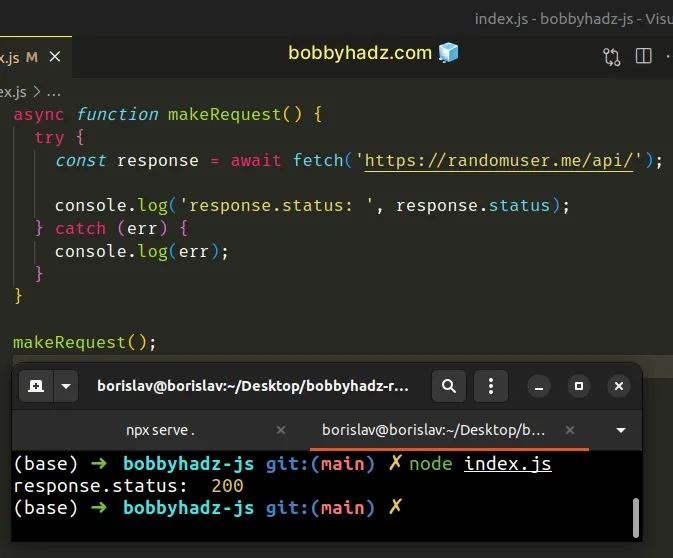
我们等待调用 fetch 方法的响应并将结果分配给响应变量。
要获取 HTTP 响应的状态代码,请访问响应对象的 status 属性。
使用 Promise.then() 而不是 async/wait
这是一个使用 .then() 和 .catch() 而不是 async/wait 的示例。
function makeRequest() {
    fetch("https://randomuser.me/api/")
        .then((response) => {
            console.log("response.status: ", response.status) // 👉️ 200
            console.log(response)
        })
        .catch((err) => {
            console.log(err)
        })
}

makeRequest()
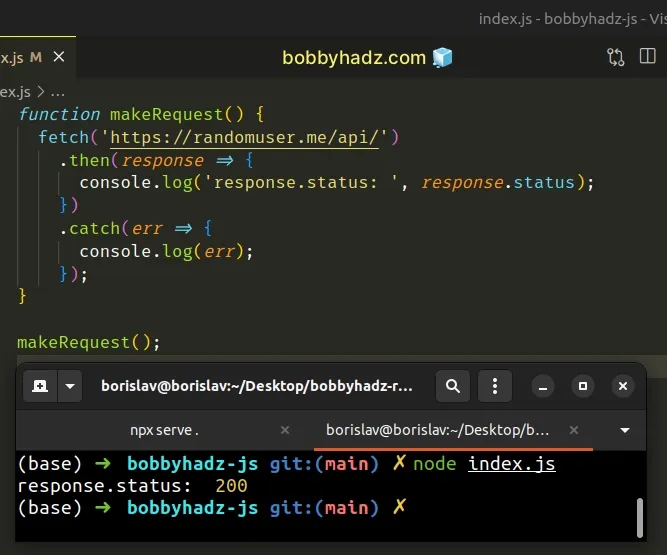
响应对象上的 status 属性将仅为 HTTP 响应填充。
如果服务器根本没有响应,您遇到 CORS 错误或拼写错误的 URL,您将收到网络错误。
网络错误将运行 catch() 函数,并且不会填充 status 属性,因为它不是服务器 HTTP 响应。
使用 fetch 时处理错误的完整示例
这是使用 fetch 处理请求和错误的完整示例。
async function makeRequest() {
    try {
        const response = await fetch("https://randomuser.me/api/")

        console.log("status code: ", response.status) // 👉️ 200

        if (!response.ok) {
            console.log(response)
            throw new Error(`Error! status: ${response.status}`)
        }

        const result = await response.json()
        return result
    }
    catch (err) {
        console.log(err)
    }
}

makeRequest()
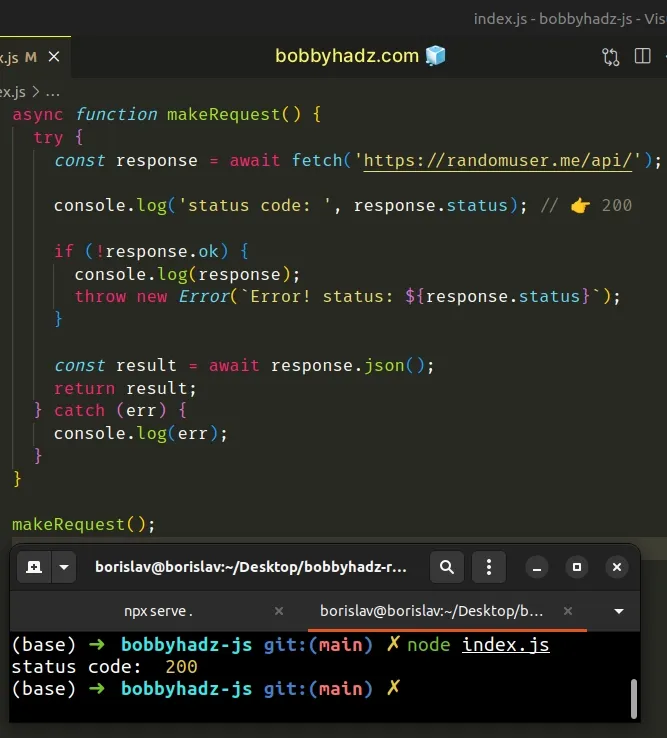
我们使用 response.ok 属性来检查服务器是否以 200-299 范围内的状态响应。
如果服务器的 HTTP 响应成功(200-299),response.ok 属性的值将为 true,否则,它的值将为 false。
Fetch 本身不会拒绝 HTTP 请求的 Promise 响应,因此我们必须检查 ok 属性是否设置为 false。
如果 ok 属性设置为 false,则请求不成功,我们必须自己抛出错误。
如果有网络错误,例如 CORS 错误或与创建 HTTP 请求相关的错误,Promise 将自动被拒绝,并且我们的 catch 块将被触发。
如前所述,如果存在网络错误,则不会填充 status 属性,因为错误不是来自服务器 HTTP 响应。
我还写了一篇关于如何获取 Axios HTTP 错误的状态代码的文章。
资料
您可以通过查看以下教程来了解有关相关主题的更多信息:
- ReferenceError: fetch is not defined in NodeJs
- TypeError: Failed to fetch and CORS in JavaScript Solved
- Fetch API cannot load localhost. URL scheme is not supported
- fetch() returns empty Response Body in JavaScript Solved
- How to get the MIME type of a File in JavaScript & Node.js
- Chrome: How to Copy an Object or Array from the Console tab
- TypeError: Failed to execute 'fetch' on 'Window' Solved
- How to POST Form Data using the JavaScript Fetch API
评论区
评论加载中...